
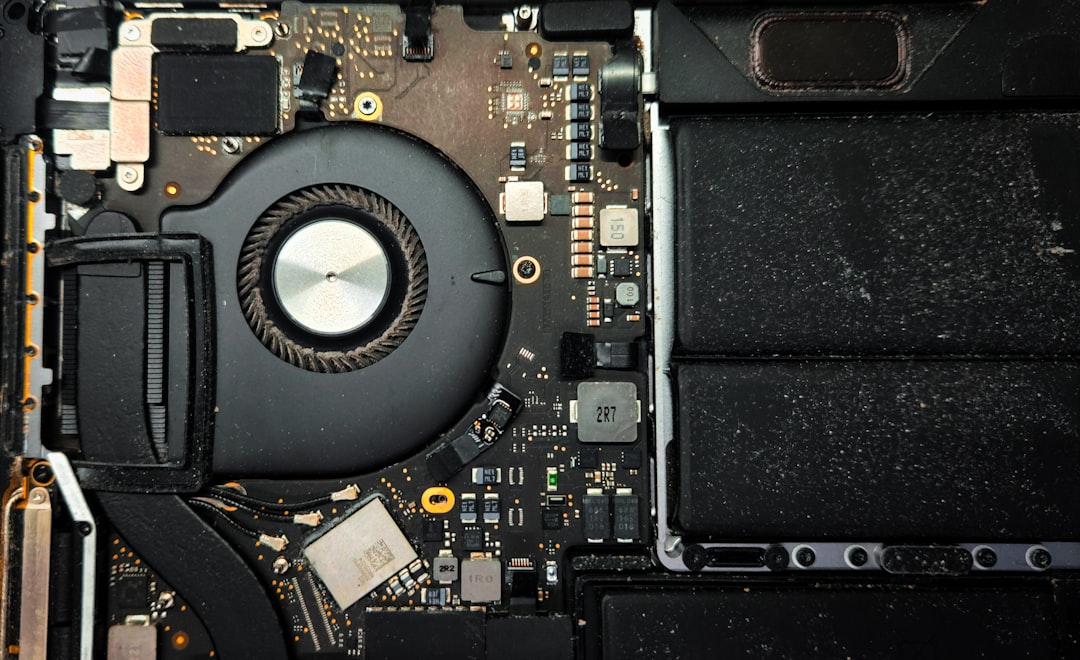
How to Tell If Your Laptop Has a Hardware or Software Problem
Last updated: June 2025
If your laptop is acting up, the fastest way to figure out what’s wrong is to ask one simple question: does the problem happen before Windows (or macOS) loads, or after? If your laptop crashes, freezes, or shows errors before the operating system starts, you almost certainly have a hardware problem. If the issues only show up once you’re logged in and using apps, it’s more likely a software problem — and often something you can fix yourself. Either way, Four Corners Repair Center in Boise can run a full laptop diagnostic and get you back up and running, most of the time the same day.
What Is the Difference Between a Hardware and Software Problem?
Hardware problem: A physical component inside your laptop — like the hard drive, RAM, battery, or screen — is damaged or failing.
Software problem: A program, driver, virus, or operating system setting is causing your laptop to behave incorrectly. Nothing is physically broken.
Knowing which one you’re dealing with saves time and money. A software fix might cost you nothing but an hour of your afternoon. A hardware repair may need a professional — but it’s usually more affordable than you’d expect.
What Are the Signs of a Laptop Hardware Problem?
These symptoms almost always point to a physical component that needs attention:
- Your laptop won’t turn on at all, or powers off immediately after starting
- You hear clicking, grinding, or buzzing sounds from inside the laptop
- The screen is cracked, flickering, or shows colored lines
- Keys are stuck, missing, or don’t register when pressed
- Your laptop overheats and shuts down after a few minutes of use
- You get a black screen or error codes before Windows or macOS loads
- The battery won’t hold a charge even after a full charge cycle
- USB ports, headphone jacks, or charging ports stopped working
If you’re seeing any of these in Boise or anywhere in the Treasure Valley, a laptop diagnostic is the right first step — don’t keep using a failing drive or an overheating machine, as it can cause more damage over time.
What Are the Signs of a Laptop Software Problem?
Software problems tend to be more unpredictable. They come and go, get worse after updates, or only affect certain programs:
- Your laptop is slow, but only after it fully boots up
- Specific apps crash or freeze repeatedly
- You’re getting pop-ups, browser redirects, or ads you didn’t install
- Windows or macOS won’t update or keeps showing the same update error
- Your laptop was fast right after a reset, but slowed down again
- Files are missing or acting strange after downloading something
Many software problems — like removing a virus or fixing a corrupted Windows install — are things our technicians at Four Corners handle every week for customers across the Treasure Valley.
How Can You Test Your Laptop at Home Before Bringing It In?
You don’t need to be a tech expert to run a basic check. Try these steps first:
- Restart your laptop. It sounds simple, but a full restart clears temporary software glitches and is always the right first move.
- Check for overheating. Feel the bottom of your laptop. If it’s too hot to touch comfortably after 10–15 minutes of light use, the cooling system may be clogged with dust — a hardware issue.
- Boot into Safe Mode. On Windows, hold Shift and click Restart, then choose Safe Mode. On Mac, hold the Shift key during startup. If your laptop works normally in Safe Mode, the problem is almost always software.
- Listen for unusual sounds. Clicking or grinding from the hard drive area is a warning sign. Back up your files immediately and bring the laptop in.
- Run Windows Memory Diagnostic or Apple Diagnostics. Windows users can search “Memory Diagnostic” in the Start menu. Mac users can hold the D key at startup. These built-in tools check your RAM and other hardware for errors.
- Check if the problem is tied to one user account. Create a new user account and log in. If the problem disappears, it’s a software issue specific to your profile.
When Should You Bring Your Laptop to a Professional in Boise?
DIY fixes make sense for simple software issues — clearing a virus, uninstalling a bad update, or freeing up storage. But bring your laptop to Four Corners Repair Center if:
- Your hard drive is making noise or failing a diagnostic test
- The screen is physically damaged
- Your laptop won’t turn on at all
- You’ve already tried a clean reinstall and it’s still not working
- You don’t want to risk losing your data trying to fix it yourself
Most laptop repairs at our Boise shop are completed the same day. Every repair comes with a warranty, so you’re not left wondering if the fix will hold.
What Does Laptop Diagnostics Cost in the Treasure Valley?
| Service | Typical Range | Turnaround |
|---|---|---|
| Laptop Diagnostic | Free – $40 | Same day in most cases |
| Virus / Malware Removal | $60 – $100 | Same day |
| Hard Drive Replacement | $80 – $180 | Same day or next day |
| RAM Upgrade | $50 – $120 | Same day |
| Screen Replacement | $100 – $250 | Same day or 1–2 days |
| OS Reinstall / Software Repair | $60 – $120 | Same day |
Prices vary depending on laptop brand and model. Contact us for an exact quote.
Frequently Asked Questions About Laptop Problems in Boise
How do I know if my laptop hard drive is failing?
Clicking or grinding sounds, files that won’t open, and a laptop that takes forever to start up are the most common signs of a failing hard drive. Back up your data right away and bring the laptop in for a diagnostic before you lose anything important.
Can a slow laptop be fixed without replacing anything?
Yes, in many cases. A slow laptop is often caused by software issues — too many startup programs, a virus, a full hard drive, or an outdated operating system. Our team can usually speed up a slow laptop the same day without replacing any hardware.
Does Four Corners Repair Center in Boise fix all laptop brands?
Yes. We repair all major brands including Dell, HP, Lenovo, Asus, Acer, Microsoft Surface, and Apple MacBooks at our Boise location.
What if my laptop won’t turn on at all?
A laptop that won’t power on could have a dead battery, a failed power jack, a bad motherboard, or a software issue that prevents the boot process. Bring it in — we can run a full laptop diagnostic in Boise and tell you exactly what’s going on, usually the same day.
Bring Your Laptop to Four Corners Repair Center in Boise
Still not sure whether your laptop has a hardware or software problem? That’s exactly what we’re here for. Customers across the Treasure Valley bring their laptops to Four Corners Repair Center every day — and most leave the same day with a working machine and a warranty on the repair.
Stop guessing and start using your laptop again. Call us at 208-321-0075 or stop by our Boise shop. We’ll take a look, give you a straight answer, and fix it right.